Share a link. Waddle fetches the video.
An Android app that saves video and audio from links, with yt-dlp doing the work on your phone.
Get Waddle 0.2.0APK from GitHub · 82 MBAndroid 11 or newer, 64-bit ARM. Not on Google Play. Free software, source on GitHub.
How it goes
- 1
Share it
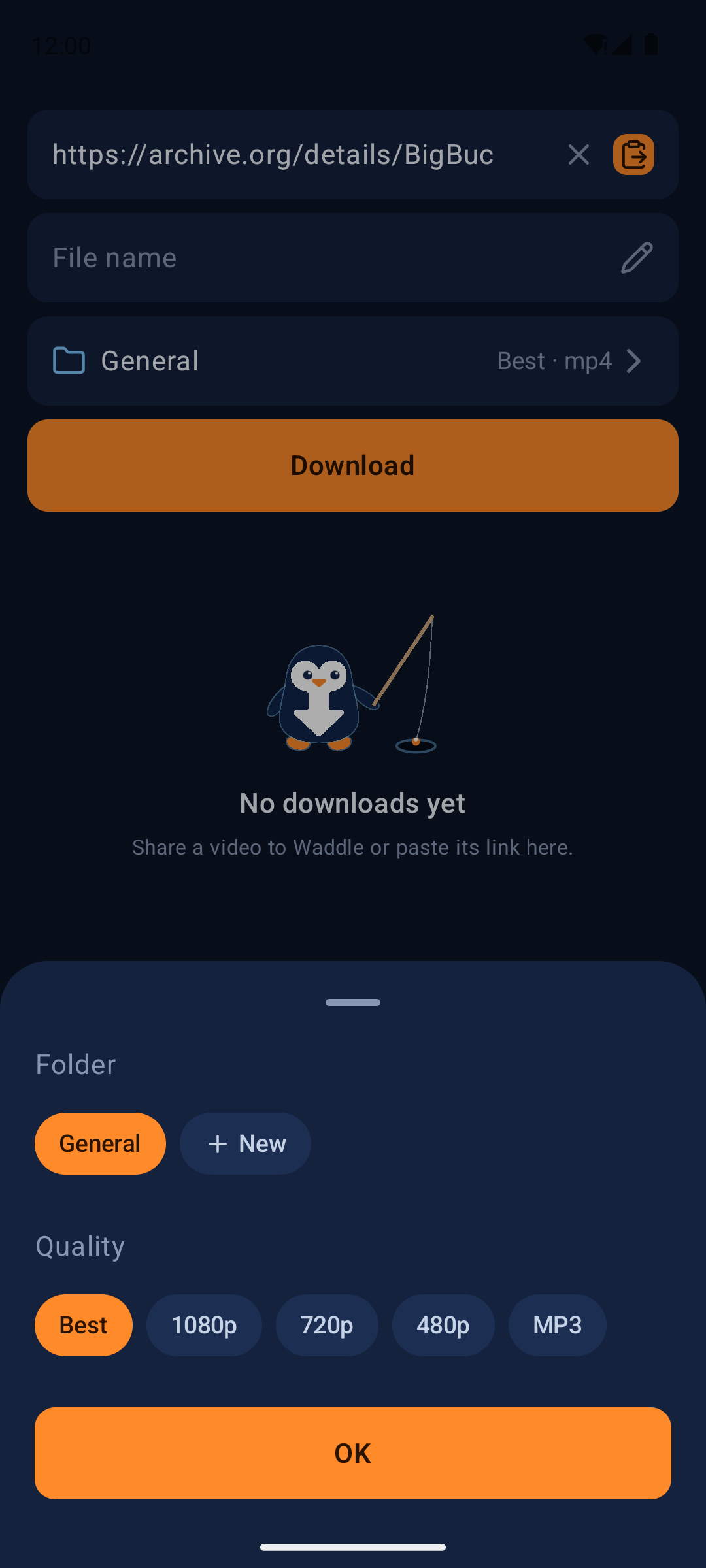
In a video app or browser, tap Share and choose Download with Waddle. A small panel opens on top. Or paste the link inside Waddle.
- 2
Choose
File name, folder, and quality: Best, 1080p, 720p, 480p, or MP3. Want only part of it? Set a clip with a slider or type the times.
- 3
Carry on
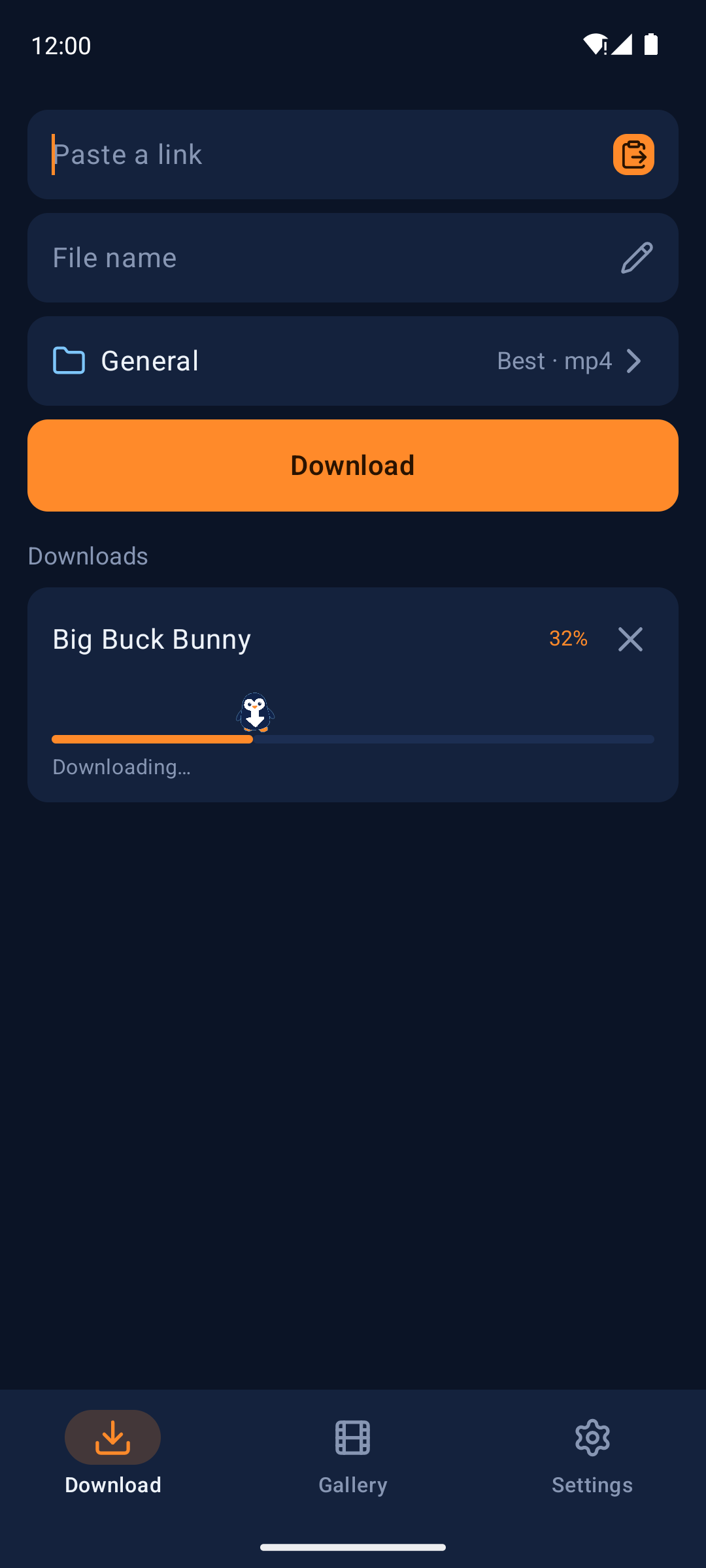
The panel closes and the download runs in the background, one at a time, with a notification you can cancel from.
Inside the app
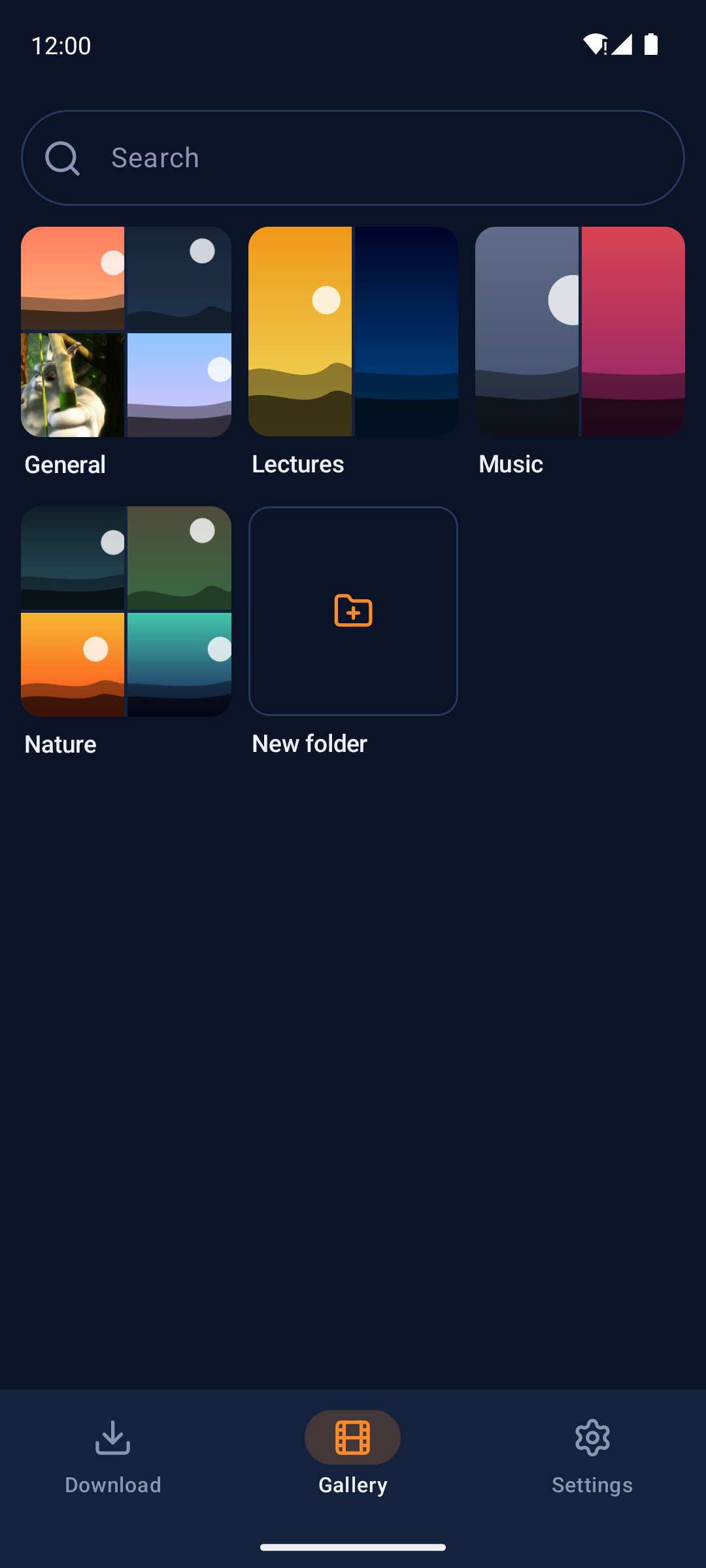
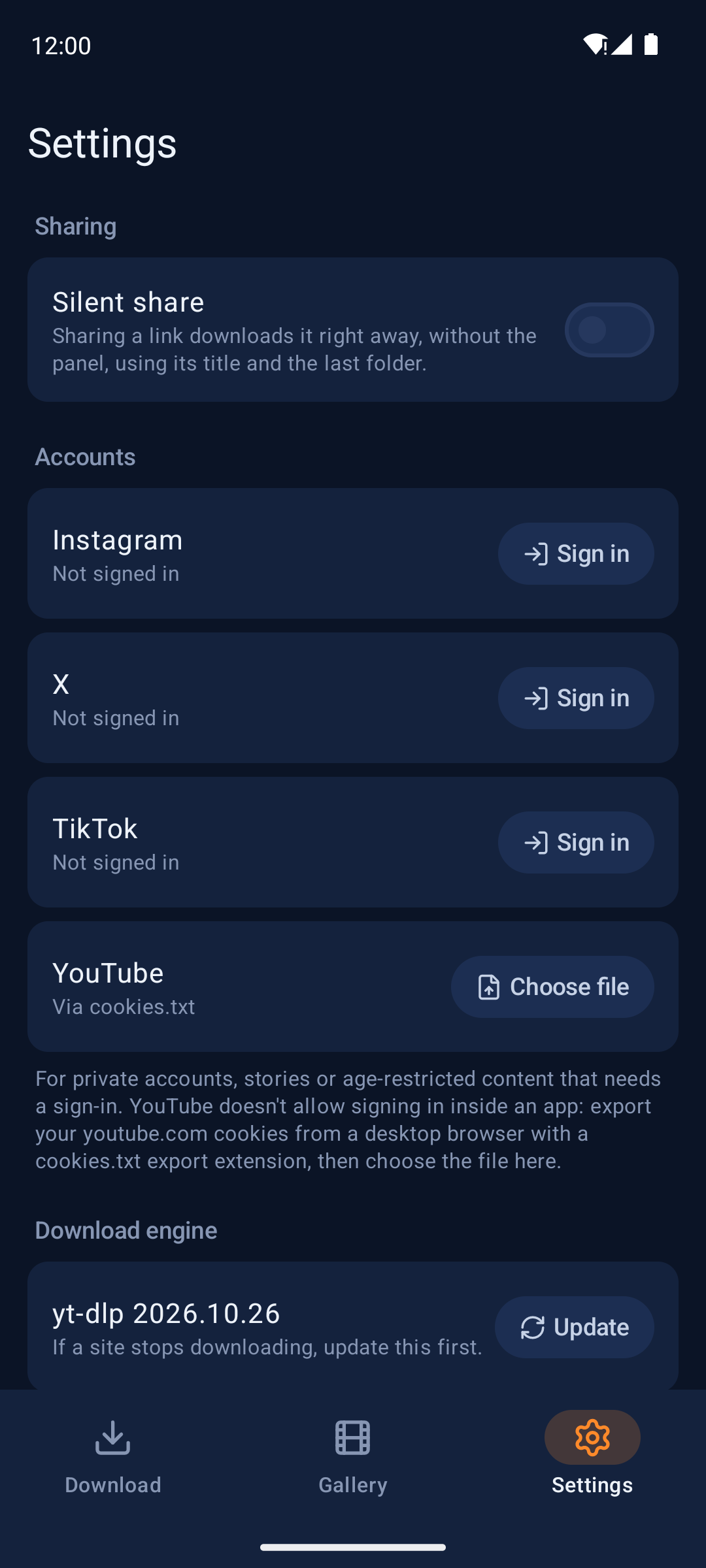
Taken on an emulator with generated demo pictures. The sample video is Big Buck Bunny (© Blender Foundation, CC BY 3.0).
Playlists and carousels
Every video is listed with its thumbnail, so you tick the ones you want. Private or deleted entries start unticked.
Silent share
If you'd rather skip the panel: sharing downloads straight away, into the last folder and quality you used.
A folder you can see
Files land in a plain Waddle folder on internal storage, where any file manager or player finds them. Move it anywhere on internal storage.
Signing in
Instagram, X and TikTok sign in on their own page inside the app; YouTube takes an exported cookies.txt. Use an account you're willing to risk.
Keeps up with sites
yt-dlp updates itself once a day, or when you tap Update. You can turn that off.
Nothing of its own
No accounts, servers, analytics, ads or crash reporting. Backups are off, so sign-ins stay on the phone.
Before you install
It needs
- Android 11 or newer
- A 64-bit ARM phone (arm64-v8a), which is almost any phone since 2017
- About 82 MB, plus room for the engine and your downloads
- All files access, required; notifications and the battery exemption are optional
It talks to
- The sites of the links you download
- Those sites' image servers, for playlist thumbnails
- GitHub, at most once a day, to check for a newer yt-dlp (can be turned off)
- Each site you signed in to, with only that site's cookies
It won't
- Download photos, or whole channels and profiles
- Save to an SD card or USB drive
- Run more than one download at a time
- Promise any site keeps working; that depends on yt-dlp
To install: download the APK from the latest release, open it, and allow installs from your browser or file manager when Android asks. Updates go on the same way. Each release has a .sha256 file to check against.
Download only content you have the right to download. Respect copyright and each site's terms of service. Waddle is not affiliated with, endorsed by, or connected to any website it can download from, and comes without warranty.